X
myLot
lameran
•
@lameran
(1147)
• Indonesia
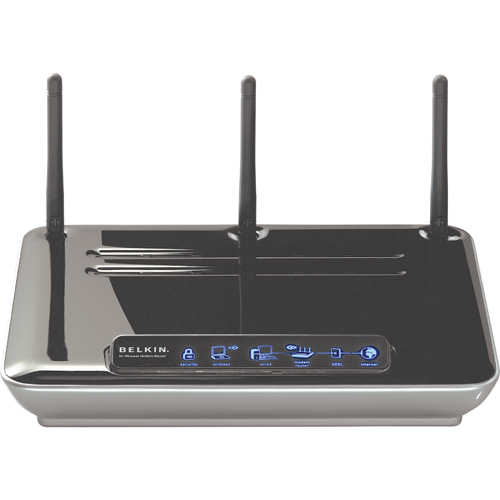
Belkin N1 Wireless Modem Router - Belkin’s installation routine veers from the norm so don’t try and plug it in and access it immediately with a web browser as you won’t get anywhere. You need to run the CD-ROM based setup utility first which will search for the router and request your ISP details, set up the wireless access point and reboot the unit ready for use. This process changes the router’s default IP address to the one listed in the manual and sets up the DHCP server to provide addresses in the same range. The setup routine only take few minutes to run after which you can then access the web browser management interface. It soon becomes apparent that despite the above average price the router is a little short on features. You get the standard NAT/SPI firewall, which you can enable or disable for whatever reason and create up to twenty virtual server entries for routing certain inbound traffic to specific systems identified by their IP address. A single system can be placed in a DMZ where it circumvents the firewall and you can stop the WAN port responding to Pings from the Internet. The client IP filter feature could be useful as it enables you to designate ranges of IP addresses on the LAN and restrict access to the Internet or particular services permanently or to a basic schedule.