

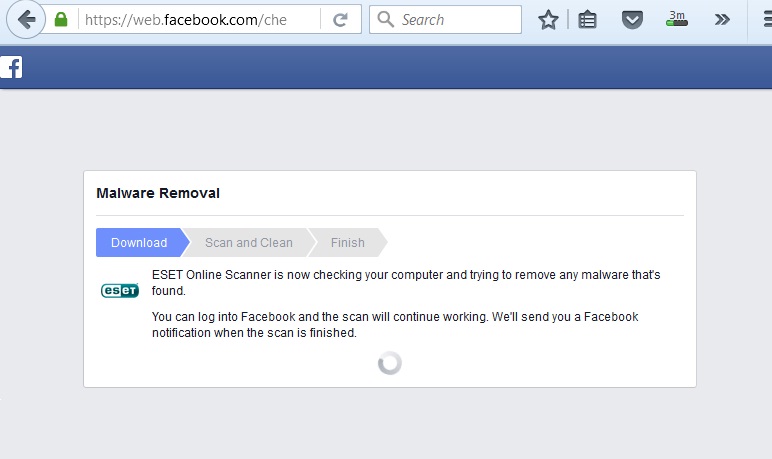
Facebook malware removal annoying!!

By acey
@twentysix76 (674)
Quezon City, Philippines


3 responses

@UR_Forever_Raja (985)
• India
19 Mar 16
Check your browser's extensions. I doubt there will be ESET online scanner added in the list.
1 person likes this

@UR_Forever_Raja (985)
• India
20 Mar 16
@twentysix76 Do you see any additional extension which shouldn't be there ? Remove it.
One more think ... Check your add/ remove programs tab as well.
@twentysix76 (674)
• Quezon City, Philippines
20 Mar 16
@UR_Forever_Raja ok, thanks I'll do that 
1 person likes this

@twentysix76 (674)
• Quezon City, Philippines
19 Mar 16
I don't know but I can't access facebook without it.
1 person likes this
@wiLLmaH (8801)
• Singapore, Singapore
20 Mar 16
@twentysix76 that is weird. You should alert facebook about it.
1 person likes this

@akalinus (44366)
• United States
19 Dec 16
@twentysix76 Try uninstalling FB and then reinstall it. It might work.

@twentysix76 (674)
• Quezon City, Philippines
19 Mar 16
I'm using a browser.. cleaned the pc using cc cleaner restarted it and I was able to log in to fb. Hope I do not encounter the same problem again. Thanks
