

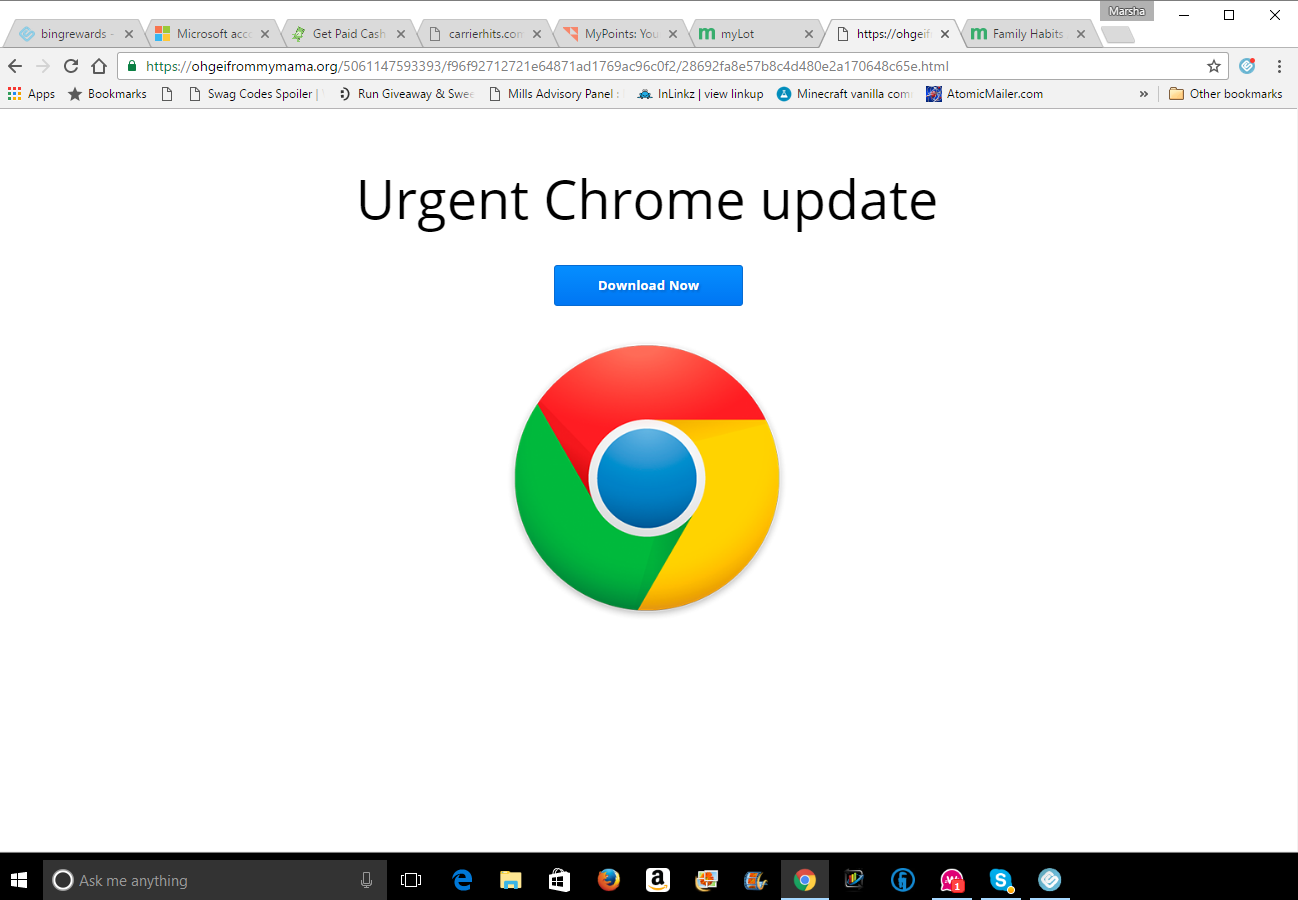
Is there a way to stop this??

@marsha32 (6631)
United States

October 16, 2016 2:02pm CST
Sorry mylot but I am sick and tired of fighting this each and every day. Ok, at least this is the only page redirect I've seen in a couple of weeks....and I have to admit that it's much better than the other one that had the pop in message that you had to click ok to only for it to come right back up before you had a chance to close the page....and most of the time it left my computer making an annoying beeping sound.
Seriously my mylot friends, is there not a way to prevent this page from taking over??
I right click from my notifications to open a new page. I used to do that then delete the notification. Now I leave the notification up until I'm done with it. Too many times I've lost where I was due to this page redirect and then unless I remembered whose page it was on I could look for their name in my notifications again.
I have only experienced this redirect from someone's profile page.
5 people like this
5 responses

@owlwings (43897)
• Cambridge, England
16 Oct 16
Let's be quite clear for a start that this is NOTHING to do with MyLot. It is not exactly a virus (a virus, technically, can reproduce itself and be passed on to other users) but it is a rather nasty piece of adware, nevertheless. You most likely got it when you downloaded some 'free' software from a dubious site, such as download.com.
This site explains what it is and how to get rid of it:

This page aims to help you remove “Urgent Chrome Update”. These “Urgent Chrome Update” removal instructions work for Chrome, as well as every version of Windows. If you have found yourself reading this page, then you may have problems or concerns with “Urg
3 people like this

@marsha32 (6631)
• United States
17 Oct 16
@crazyhorseladycx back from reading it...I do agree, which I also put in my post, that it's mostly just annoying. And it wouldn't even be that too much if it didn't totally take over the window. I can't hit the back button to get back to the persons' profile I was on.
1 person likes this

@crazyhorseladycx (39503)
• United States
17 Oct 16
yer such a wise ol' owl, my friend! i was gonna go'n search 'f this myself 'n share with her :)
3 people like this

@topffer (42155)
• France
16 Oct 16
Never seen this one, maybe because I am not using Chrome for myLot. You may perhaps use a user agent switcher and change it to something else than Chrome. I change mine times to times and I have noticed that myLot was disconnecting me if I was identified like a MSNbot .
.
.2 people like this
@owlwings (43897)
• Cambridge, England
16 Oct 16
@topffer No need to do that. The "Urgent Update Chrome Browser" is a known piece of adware which downloads a simple batch file without your specific permission and modifies various settings in the browser add-ons and the registry. It is not difficult to remove - it just requires following a number of instructions.
2 people like this
@crazyhorseladycx (39503)
• United States
17 Oct 16
ya got gremlins, hon. i'm sure once ya follow the advice 'f our wise, feathered friend, @owlwings, that all'll be'n order fer ya yet 'gain.
2 people like this

@AutumnSnow (4583)
•
16 Oct 16
I've had the same problem with chrome doing this too. I started using firefox.
1 person likes this
@marsha32 (6631)
• United States
16 Oct 16
I used firefox for years but get so tired of it crashing. Chrome sometimes goes not responding, but not even close the amount of times firefox does. I tried firefox again the other day and still had the same issues as before.

@spiderdust (14756)
• San Jose, California
16 Oct 16
I assume you've already cleared your cookies and cache? And run virus software?
1 person likes this
@marsha32 (6631)
• United States
16 Oct 16
My antivirus (McAfee) runs regularly and claims to find nothing. I actually haven't ran malwarebytes for awhile. I could try that at least and see if it finds anything to remove.
@spiderdust (14756)
• San Jose, California
17 Oct 16
@marsha32 I would *definitely* run malwarebytes.
1 person likes this
