

Computer Problems Again, or I Should Say Software Problems

By Marsha
@MarshaMusselman (38865)
Midland, Michigan

December 18, 2018 3:17pm CST
Sorry for the length. I need specifics for myself.
I spent time here and there since getting my computer back working on stuff for the business. I got May's main banking file reconciled, finally and began working on June's. I got all the bills and payments in for three vendors, which for us is mainly companies that we buy things from or some of the various insurances we need to pay to stay in business.
In hindsight, what I should have done was save my work directly to my pc because since it's new it has a clean slate and has lots of room. With my old pc I had to get an external hard drive to begin saving my files because it took up more space than I had left on my previous pc. My hard drive was getting full too and at the last minute, just before choosing where I would be saving my files, I decided to insert the new drive I bought last week. Another external drive but smaller.
I'm not sure what freaked me out yesterday, but up to then the external drive that I've been using was in the F slot. The newer one became the F drive.
I've learned since that when all the drives are free the computer is supposed to use the next letter that's free in this case it would be F. But, for some reason, now, it is skipping F and making the older of those two hard drives G and it's doing this even if it's the first one I hook up. Is this confusing or what?
A little recap:
My old seagate external hard drive used to be the only thing of that type in F.
I took that one out and put the new hard drive in and it called that one F.
I switched which one went in first and which one second for the past two days, and each time whichever way I do it the old one now gets put under G and the new one under F.
I discovered that for everything other than my quickbooks back up files that isn't a problem. I can access what I've saved over the years whether the older external hard drive is under G or F, but the quickbooks files I can only access if it's under F, which it won't do anymore.
I thought I'd have to take my computer back to my computer person to figure it out, but after trying just about everything I came up with another idea. I right clicked on the quickbooks file in the old external hard drive and hit copy and pasted it into the newer external hard drive which is under F by the pc.
I wasn't able to open this file up while within quickbooks, but was able to click on it in the storage area and it opened up that way. The only problem with doing it that way was that it didn't like my password and I had to pick a new one again, for the umppteenth time in the last two days.
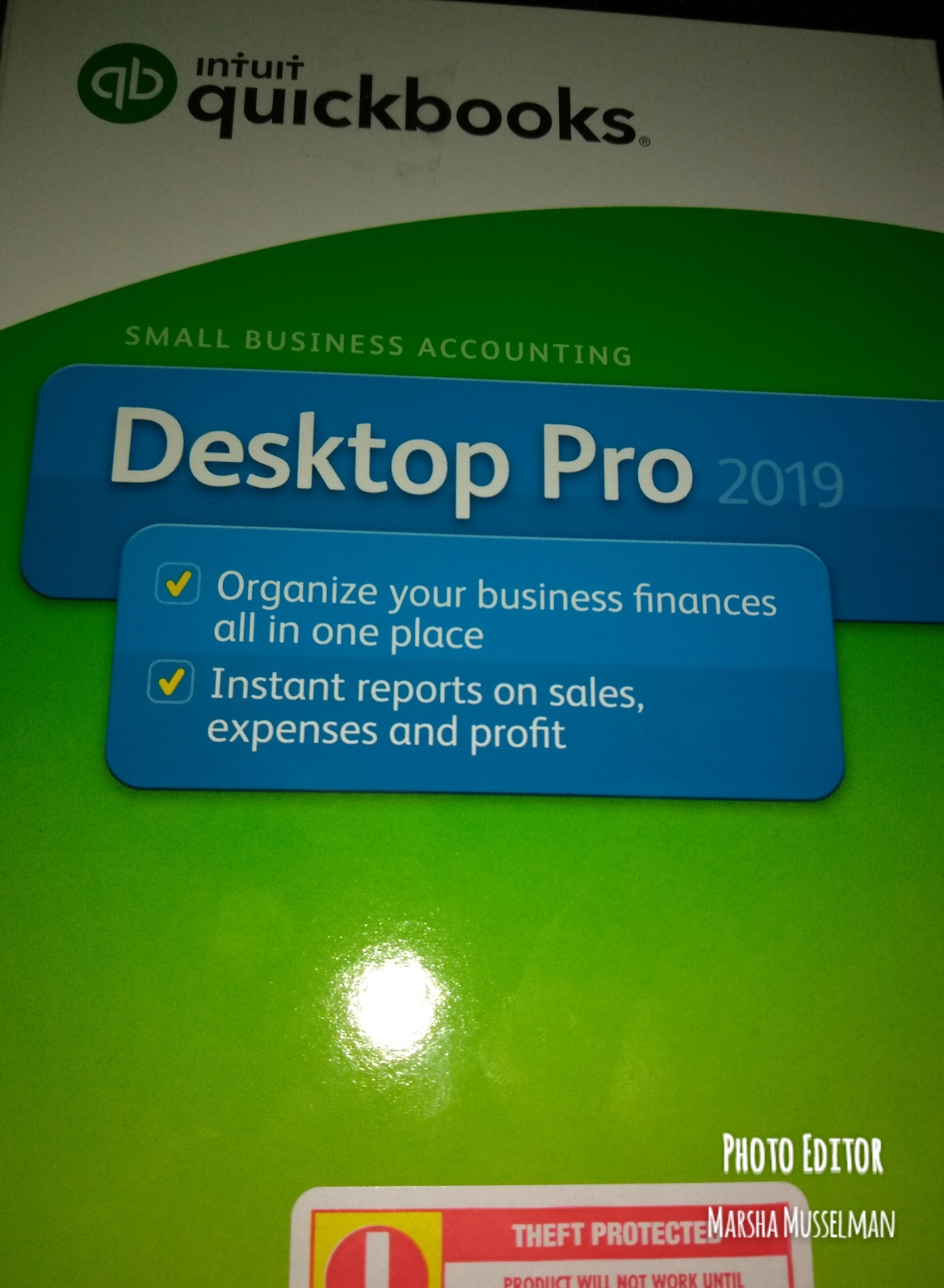
I didn't expect to be sharing about my computer with you again, other than saying I got a lot of work put into my quickbooks program. And I think that was my main concern. I've done a lot in the last week and wasn't looking forward to starting it all over again from the first of this month. Also, I need to write it down while it's fresh in my brain so if something like this happens again in the future I'll know what to do or can look for this post to remind myself.
6 people like this
7 responses

@Mavic123456 (21891)
• Thailand
19 Dec 18

phewww… catching up my breath, such a very long story, and I wonder why it is very sensitive with the password and you have been working on that for two days.
1 person likes this

@MarshaMusselman (38865)
• Midland, Michigan
24 Dec 18
@Mavic123456 For some countries here or some people in certain countries, they don't know English, so have to use translators to understand what they're reading. That's what I was talking about there.
Is the spongebob images ones you found to add? What site are these on, I really like them.
@MarshaMusselman (38865)
• Midland, Michigan
26 Dec 18
@Mavic123456 ok thanks for telling me. I won't get my photos from there as most are copyrighted and if that's the case it's better not to use them on a sure where this make money
1 person likes this
@MarshaMusselman (38865)
• Midland, Michigan
1 Jan 19
@Mavic123456 Ahh, I never thought about doing that. I've just always stayed away from sites where commercial use is prohibited. I will say your animations you find do perk me up. Maybe I'll check out what they have for my responses or discussions also.
I looked some up, but I don't really want to take the time necessary to search out what I'd use and then remember how to get it into my file. I tried one, but it wouldn't paste for me.
1 person likes this

@DWDavis (25797)
• United States
18 Dec 18
@MarshaMusselman I did like it at the time. I was working in a CPA office them and would help small businesses set up their bookkeeping on it. If we needed something with a little more muscle than Quickbooks we would recommend Peachtree. I don't even know if Peachtree is even out there anymore.
1 person likes this
@MarshaMusselman (38865)
• Midland, Michigan
18 Dec 18
@DWDavis Peachtree was out there when I first started using quickbooks in the nineties, but it looks like someone else bought them out and the link is below.
I wouldn't want to switch now beside which I just purchased the program once again. It's hard enough figuring out the changes when upgrading a product. Now, that I've copied my most recent backup to both drives and to my pc, I shouldn't have any more problems, and I'll be saving the backup to my pc as long as I can.
1 person likes this
@MarshaMusselman (38865)
• Midland, Michigan
18 Dec 18
Did you not like it or did you find a different, similar program to use? Overall, I do like it and this is the first time in all these year that I've had that much problem with it. It's also the first time I used a password on the program. If I didn't have that I could have skipped lots of steps.
I've also not upgraded my program in over ten years and that may have been the biggest mistake.
1 person likes this

@MarshaMusselman (38865)
• Midland, Michigan
18 Dec 18
I will just save in on word in my computer and on Evernote in the cloud
1 person likes this


@MarshaMusselman (38865)
• Midland, Michigan
18 Dec 18
@just4him same here especially so close to Christmas.
1 person likes this
@MarshaMusselman (38865)
• Midland, Michigan
18 Dec 18
I wasn't sure what I was going to have to do shy of taking it to my computer person's home and hoping he could access the hard drive from there while it was in F. He's good with solutions for computers and programs, not necessarily the storage info and he wasn't sure he'd know himself. Plus, this week he;s a bit busy probably getting ready for Christmas.
1 person likes this
@just4him (323168)
• Green Bay, Wisconsin
18 Dec 18
@MarshaMusselman I'm glad it worked out.
1 person likes this


@MarshaMusselman (38865)
• Midland, Michigan
24 Dec 18
Yes, but some sites do get hacked., So you have to watch what you store on them just in case.
I wasn't talking about the cloud here, but rather ports for different drives like flash drives and sd cards and things like that.

@manishabhe (1)
• York, Australia
25 Jan 19
Have any Network Issues or Connection problems ?
A network engineer is a technology professional who is highly skilled in maintaining the connectivity of networks in terms of data, voice, calls, videos and wireless network services. These network engineers are also referred to as network architects.By our Network engineer definition, they are accountable for formulating, implementing and executing the entirety of computer networks within an organization.
https://www.fieldengineer.com/blogs/what-is-network-engineer-definition
1 person likes this
@MarshaMusselman (38865)
• Midland, Michigan
31 Jan 19
No, my internet worked just fine as did the computer itself although I did find out it was running slow. That's why I bought a newer tower.
Did you give up on mylot already? I'm not here a lot, so if you waited for a reply, I'm sorry it took me so long.
If you want more interaction, it does help to write a post introducing yourself and then go talk with others on their discussions. There are many members here that watch for new members to interact with.

@MarshaMusselman (38865)
• Midland, Michigan
18 Dec 18
I doubt I'll use the bookmark option on the browser because that's a bit messy even though I've tried to keep it in some sort of order. I have saved it on word and will save it on evernote just to be sure. But, I use tags here too and should be able to locate it again using just the tags.
