

How to Fix iTunes Error 3194

@Liam5Robinson (6)

January 23, 2019 3:01am CST
If you have TCP/IP filtering, firewall or security software installed on your computer, you can address them and then update or restore your iOS device for a second try. Well, you had better check your Wi-Fi speed by opening a YouTube video to see if it plays smoothly.
Step 1. Disable or uninstall your security software temporarily
You can remove the security software and try to update or restore iPhone using iTunes. After the process finishes, you can reinstall it.
Step 2. Bypass your Internet router
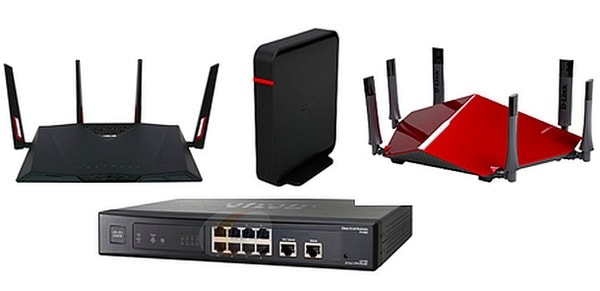
It is true that some routers may block iTunes from accessing the update server. Therefore, you need to disconnect the wired or wireless router to fix error 3194 on iPhone and iPad. Use an Ethernet cable to connect your computer to the modem directly. Then restart the computer and modem to reconnect to an Internet connection.
Do you encounter other iTunes error?
1 person likes this
1 response

@Swayamsiddha (4354)
• New Delhi, India
23 Jan 19
Please search out some technical channels at youtube.
