

I Hope It Works

By Haraka
@haraka (1282)
Indonesia

June 22, 2020 6:10pm CST
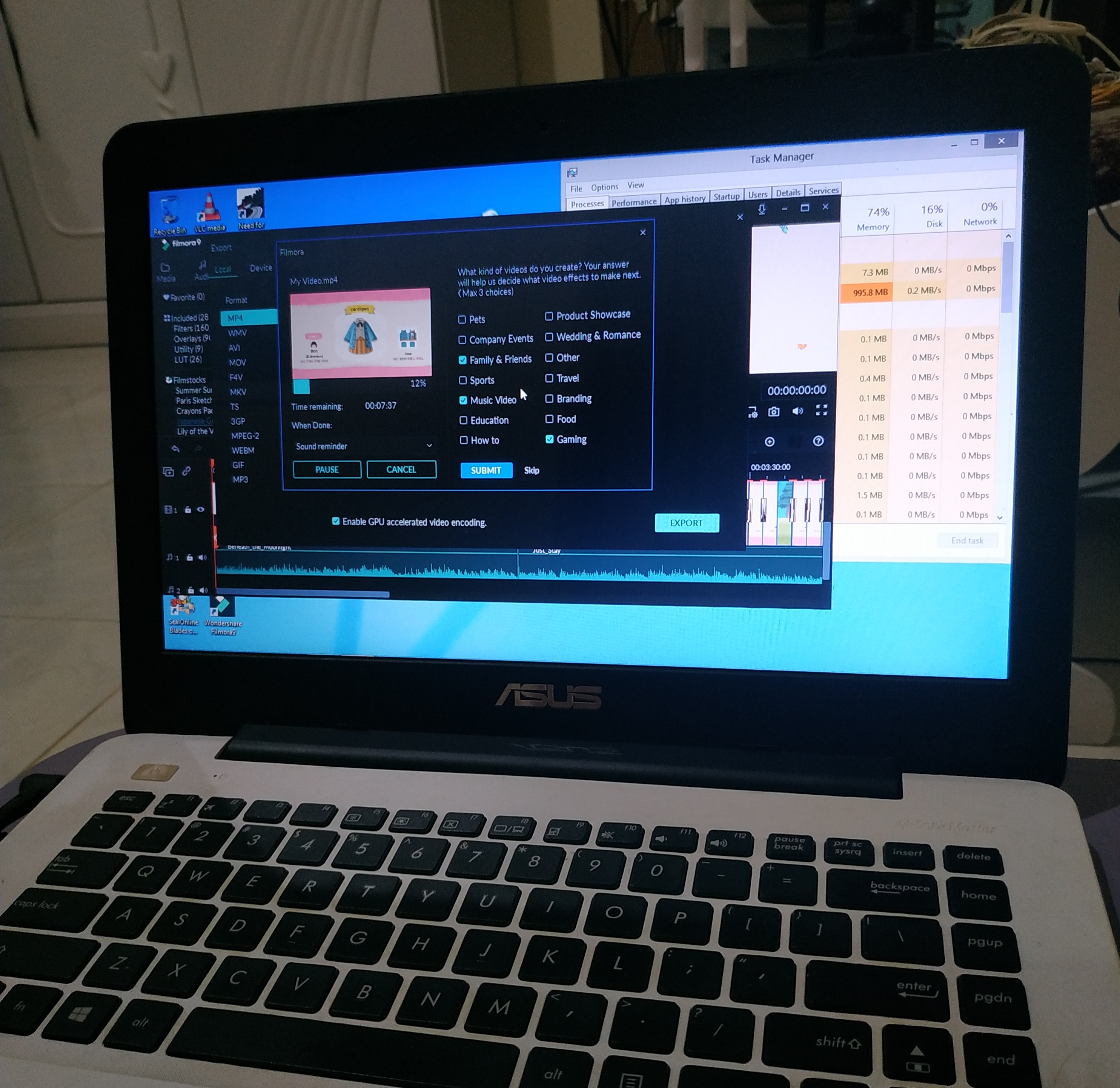
I'm working on editing a video and my laptop crash again. I don't think I can work with it until I bring it to the service center. To continue my work, I end up using my brother's laptop.
Although I prefer to use my laptop for this kind of works because my laptop builds with specs for video editing, I don't have any other options.
Since his laptop doesn't build for heavy-duty works like editing, I'm a little worried if I broke his laptop. I tried to minimize the workload by using fewer effects. I hope it works fine.
5 people like this
6 responses

@Alexandoy (65302)
• Cainta, Philippines
23 Jun 20
It is a big problem when the computer crashes. My desktop also does that sometimes with my video editor - Adobe Premiere. But I have learned to save the file once in a while so I can easily go back when the computer crashes.
2 people like this
@Alexandoy (65302)
• Cainta, Philippines
23 Jun 20
@haraka it is not easy to go to the computer shop now because you don't know about the risk there if they are sanitizing their office.

@DocAndersen (54399)
• United States
23 Jun 20
good luck! you can also disable a bunch of extensions before you start!
1 person likes this
@haraka (1282)
• Indonesia
23 Jun 20
I literally only open the editing app and task manager to watch the RAM usage.
His laptop only has 2GB RAM without Nvida VGA card - so technically it's not suitable for editing.
But I just stubborn or more like "I don't have any other options" lol
1 person likes this
@DocAndersen (54399)
• United States
23 Jun 20
@haraka i completely understand that - i do the same thing frequently!


