

I'm Rusty. The print screen feature doesn't work as well as it used to. (And, shortest post for me).

By Marsha
@MarshaMusselman (38865)
Midland, Michigan

August 31, 2016 10:34pm CST
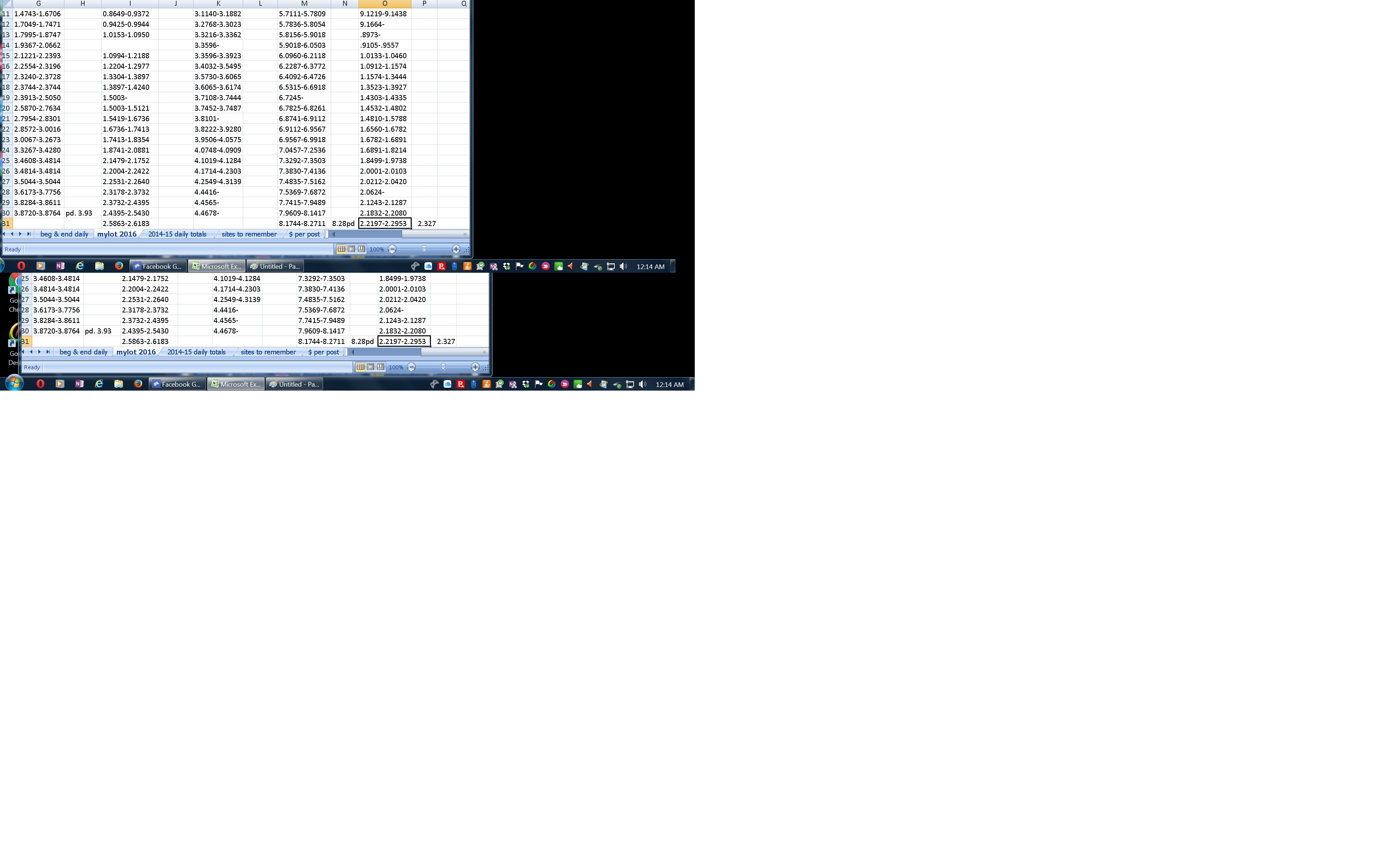
I think I used to be able to save most anything with the print screen function and then make it into an image using Paint. Now, when I try to do this it makes the image I'm trying to capture very small. What am I forgetting to do, does anyone know?
New info suggested by Barry. He taught me how to use a shortcut to get the dialog box for the properties on the Paint program. Ctrl e, and then to check the default box, which I did and then when saving the same page it showed up the size I was going for originally.
6 people like this
6 responses

@crazyhorseladycx (39503)
• United States
1 Sep 16
i'd ne'er any success with such. perhaps @DaddyEvil can enlighten 's??
2 people like this
@MarshaMusselman (38865)
• Midland, Michigan
1 Sep 16
Part of my problem is that I'm trying to save a document to a picture format. Paint does allow one to do that, but it won't do me much good if I can't see what I'm looking at, or if no one else can either.
2 people like this

@responsiveme (22923)
• India
1 Sep 16
I thinkso too, @Daddy Evil sounds like the right guy to call.
2 people like this


@Asylum (47893)
• Manchester, England
2 Sep 16
@MarshaMusselman I am a little perplexed by the fact that you are using Paint. How are you taking a screenshot, are you using the Print Screen and pasting into Paint?
With Windows 10 the trick is to press the Windows key and Print Screen together, which will place the screenshot into a folder in Pictures.
1 person likes this
@MarshaMusselman (38865)
• Midland, Michigan
2 Sep 16
@Asylum What about before WIndows 10, Barry? Did you also press the window key and the print screen key together? I don't yet have windows ten, so am still using Windows 7 on this one. My husband has windows ten, maybe one day I'll take my flash to his computer and see how it works with ten, but not just yet.
If you used a different shortcut before, I'd like to hear what it was if you can remember. . I don't know too many of the combination shortcuts.
. I don't know too many of the combination shortcuts.1 person likes this
@MarshaMusselman (38865)
• Midland, Michigan
2 Sep 16
Ahh, I wasn't thinking of what my screen resolution is. I did try it a second time after maximizing the spreadsheet, but it didn't help at all. It was at 1400x1050. but I just changed it to the maximum resolution of 1920 x 1080. Now I'll try the print screen function again and see if it's the way it used to be.
I just redid my image using the new settings. I'll include it here to see whether that helped or if it's the same as the image on the post. Nope, that didn't help.
Now when I tried to apply those changes it told me it needed to reboot, which I wasn't ready to do yet. But a bit later I just told it okay and maybe it didn't really make the changes yet. I'll try rebooting and see if it's any difference.
1 person likes this

@MarshaMusselman (38865)
• Midland, Michigan
11 Sep 16
In paint it looks to be the normal size, but when I save it with a jpeg format it makes it smaller. Barry helped me figure it out. I had to resize it on the top, but I can't remember right now exactly what it is I did. If you check his comments and mine you may see what I did there.

@PainsOnSlate (21845)
• Canada
2 Sep 16
Wish I could help you, I found my ability to button to make a screen shot but lost it. I know It's there but don't know where...
1 person likes this
@MarshaMusselman (38865)
• Midland, Michigan
2 Sep 16
If you're talking about the button on the keyboard, if your keyboard is set up like the ones in the states it's the button above the insert between the letter keys and the number keys. There's Insert, Home and Page up, and then above that there is the print screen, (sometimes as pnt scr), scroll lock and pause/break.

@MarshaMusselman (38865)
• Midland, Michigan
1 Sep 16
I'm thinking probably Barry would know, but I didn't want to tag him. It's weird because I don't remember having to remember much about it before, I just took care of it. Now it ends up smaller than necessary. With some work I could probably get it larger, but I'd rather it work correctly from the get-go.
1 person likes this
@responsiveme (22923)
• India
1 Sep 16
Sorry, hope somebody comes up with the solution.
1 person likes this
